


Customer requests
Where medical spa requests go
Frontier linked each request to the right follow-up task, even when someone asked twice.
In the same wellness project, one person could ask about both services or change an earlier request. The request page needed to confirm the save, and staff needed to tell which service to follow up on and see the latest request.
Confirm the request before offering booking
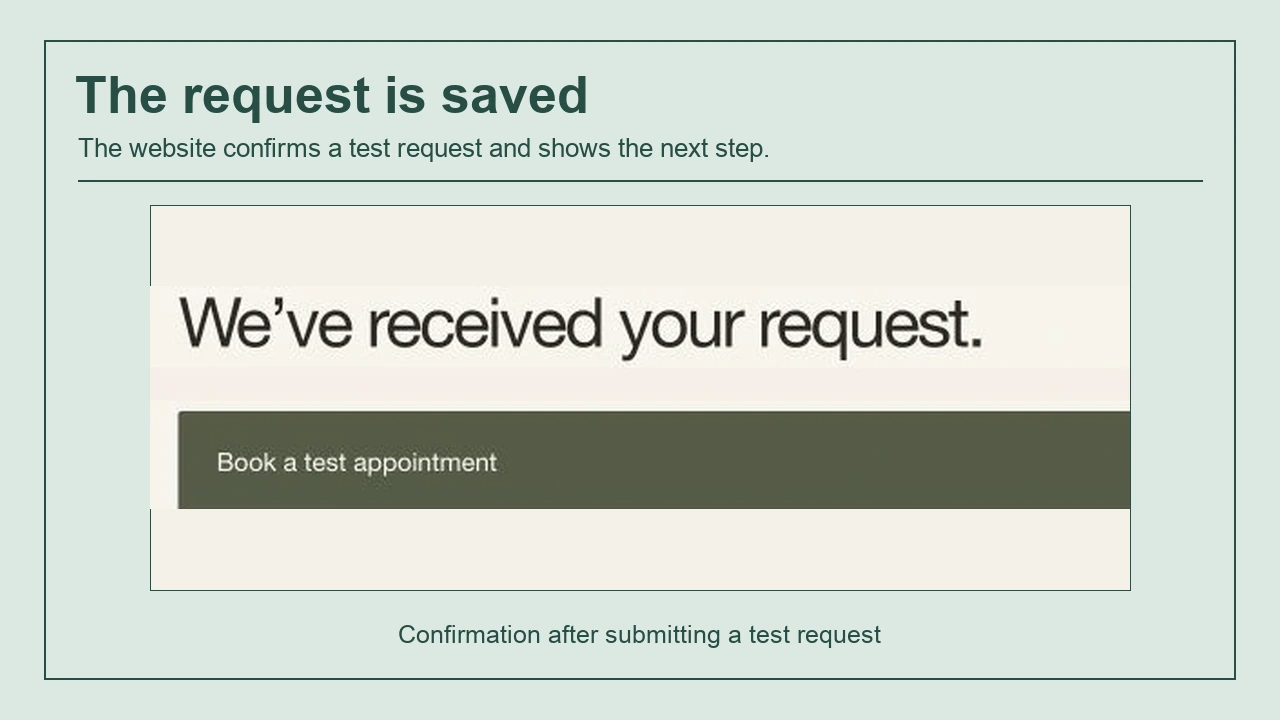
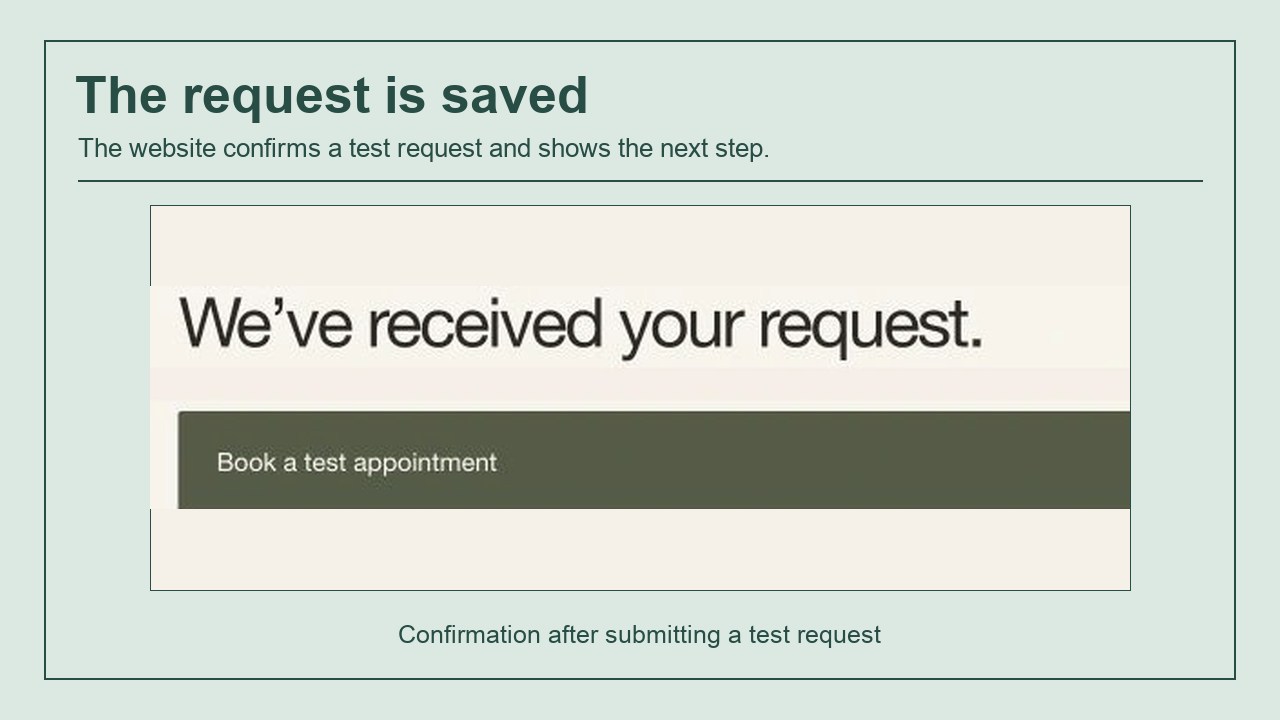
Frontier treated sending a request and choosing a time as two separate steps. Once the request saved, the page confirmed it and offered the booking link. That gave the visitor a clear next step while keeping the confirmation accurate.

Track the request by person and service
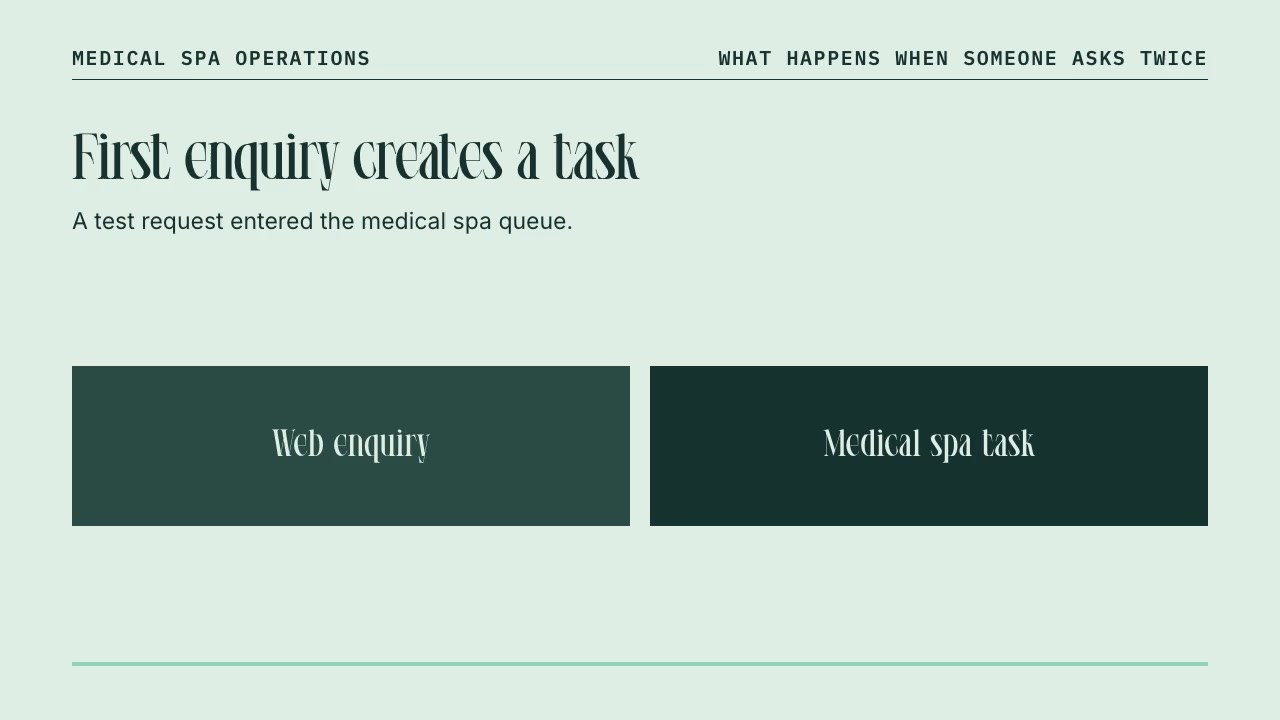
Frontier kept one contact record for the person and a separate task for each service. A single task for the person would mix the two requests. A fresh task on every submission would leave staff to work out which details were current.
The system checked for an open task for that person and service before creating one. Frontier tested the distinction by submitting both requests, repeating the medical spa request in Spanish, and checking that the staff task list still showed one per service with the latest information.
- Identify the person and service
Keep both services on one contact record and use the request to identify the service.
- Open a follow-up task
Create a task for that service when there isn’t one open.
- Keep the latest details
Update the open task when the person sends another request for that service.
Check where the website hands off to the calendar
The website supplied the booking instructions and button while a separate provider supplied the calendar. Testing both languages through to the booking form showed where the translation stopped: the provider’s form still opened in English.
The calendar sometimes failed to load inside the page during testing. Frontier moved the direct link above it and added a reload button so visitors had a way forward. Frontier also prepared separate email templates for confirmations, reminders, cancellations and help requests.


What changed
Frontier submitted requests for both services with one test contact. The site confirmed the save and linked to the test booking page. The staff task list showed one open task per service. Repeating the medical spa request updated its existing task.