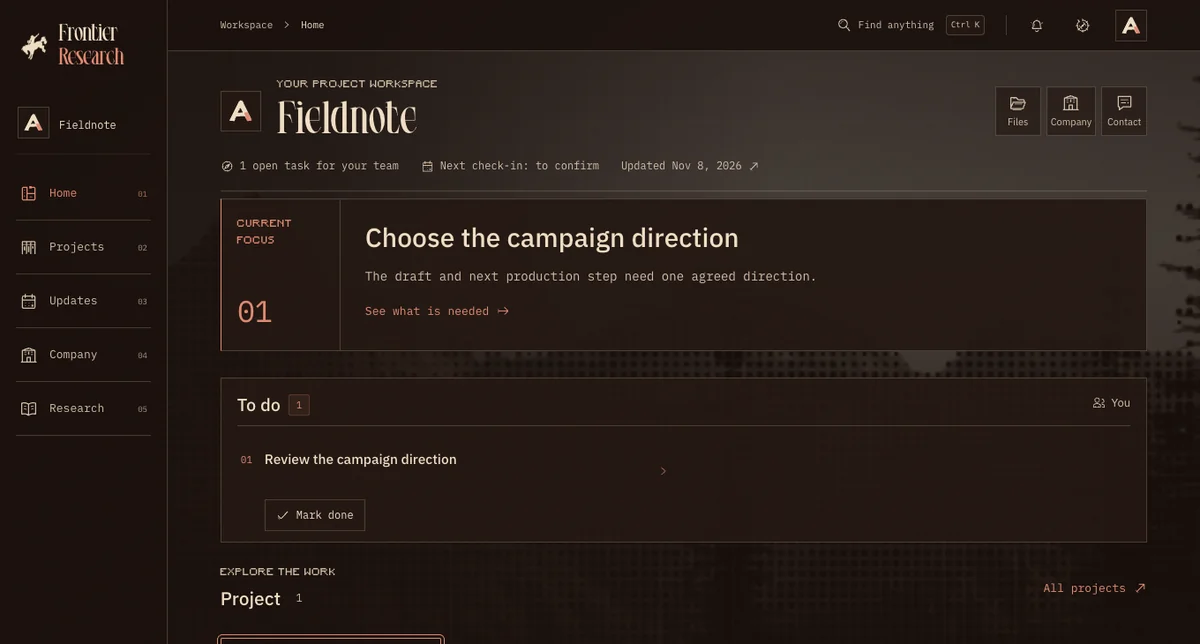
An AI agent can carry out a task across the tools you already use. We build it around one clear job, the information it can use, and the decisions your team keeps.
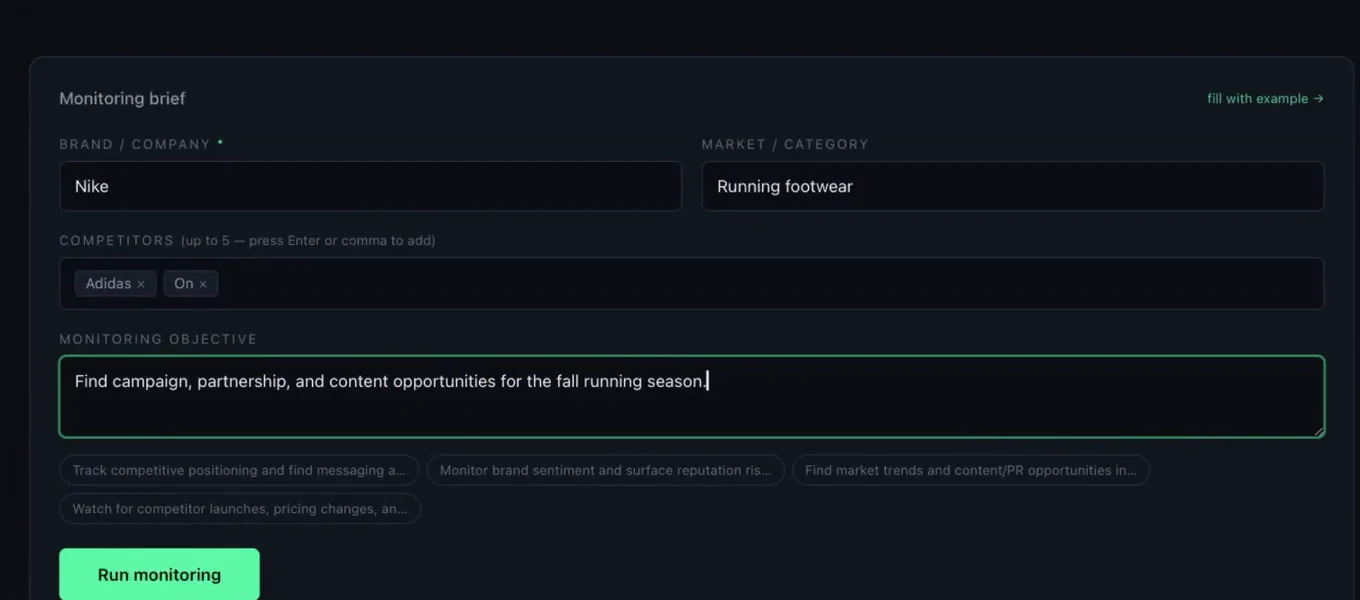
Give SignalScope a market or a list of competitors. It gathers public news, groups the useful updates, and puts links to the original articles beside its findings.
What it does for your teamCheck a competitor update at the source before you act on it.
Set a market and a question, then watch SignalScope collect updates and sort them by relevance.
How this works
What you start with
The team has a question about its market and a date range to check.
What happens next
Search the available news sites, forums, and social channels for the question and dates the team chose.
Save the original links and dates. Set aside old or unrelated results and flag anything with an unclear date.
Keep one entry for each story. Group the findings by topic, such as a competitor launch or a question customers keep asking.
Write a short brief on what changed and what to look at next. Note where sources disagree or where information is missing.
What you get
A short report with the main findings, the date range, links to the original sources, and questions still open.
What a person checks
The person making the decision opens the original sources and checks which sources the search could reach that time.
Find customer questions worth answering
We built a tool for a food brand to find recent Reddit threads on topics its customers care about. It reads the replies and community rules, then prepares a shortlist and draft answers for the team to review.
What it does for your teamThe team can open each thread and see why it is worth a look.
Example shortlist
Meal prep questions
Look for
Recent cooking threads where a useful answer would help.
Include
The thread link, the question, and a draft reply.
Before posting
Read the full thread and check the community’s rules.
How this works
What you start with
The brand chooses a topic and agrees which communities to search.
What happens next
Search for recent questions customers are asking. Save the date and link for each useful thread.
Read the full thread and check its rules. Put the most helpful places to reply at the top and explain why they fit.
Draft a reply in the brand’s voice. Flag anything the team needs to check or disclose.
After a person posts a reply, record what was posted and any response to guide future searches.
What you get
A short list of threads with links, why each is worth a look, and draft replies. A log keeps track of any replies the team posts.
What a person checks
A team member reads the thread, checks the rules, and chooses whether to post the reply themselves.
Send a clear update after a meeting
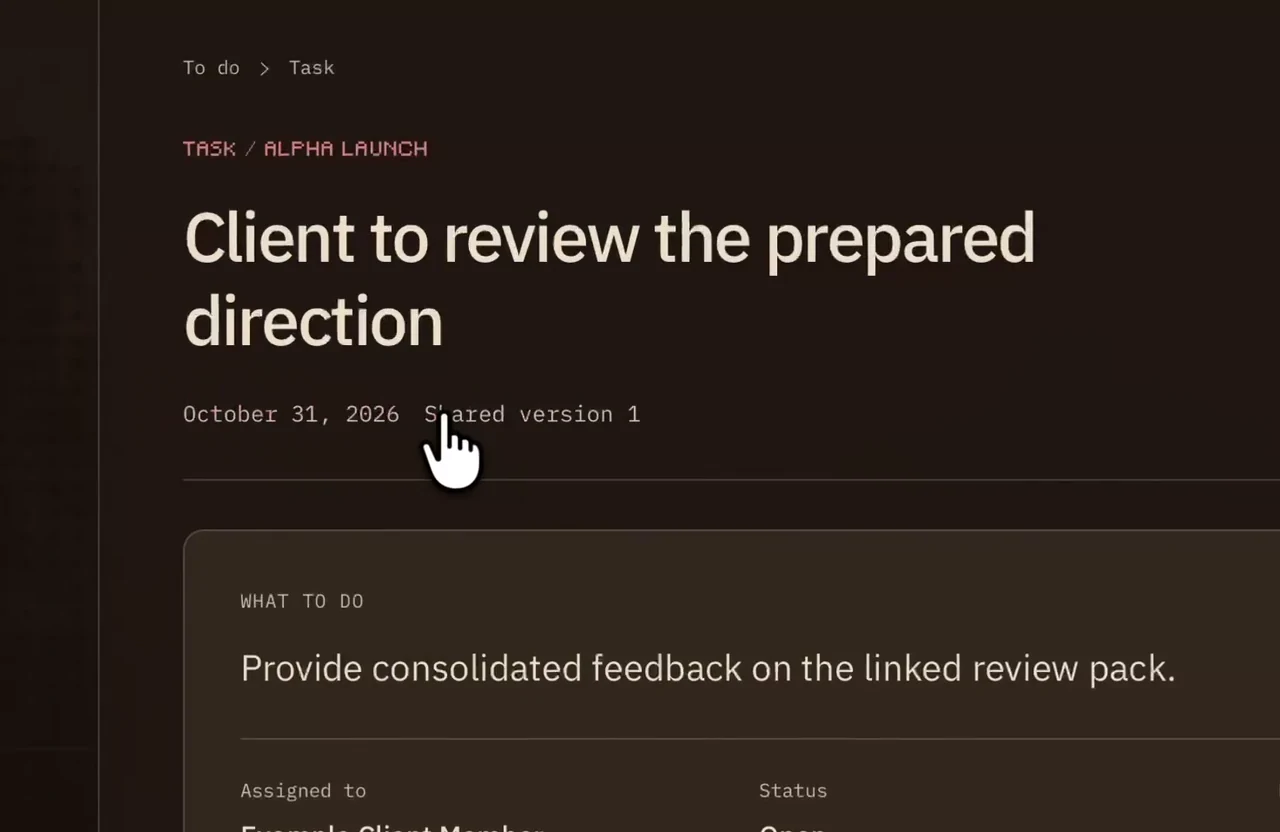
We built a tool that compares meeting notes with the project record. It writes a draft with the decisions, next steps, and files to share. Someone on the team checks it before it goes to the client.
What it does for your teamClients can see what changed and what needs their attention.
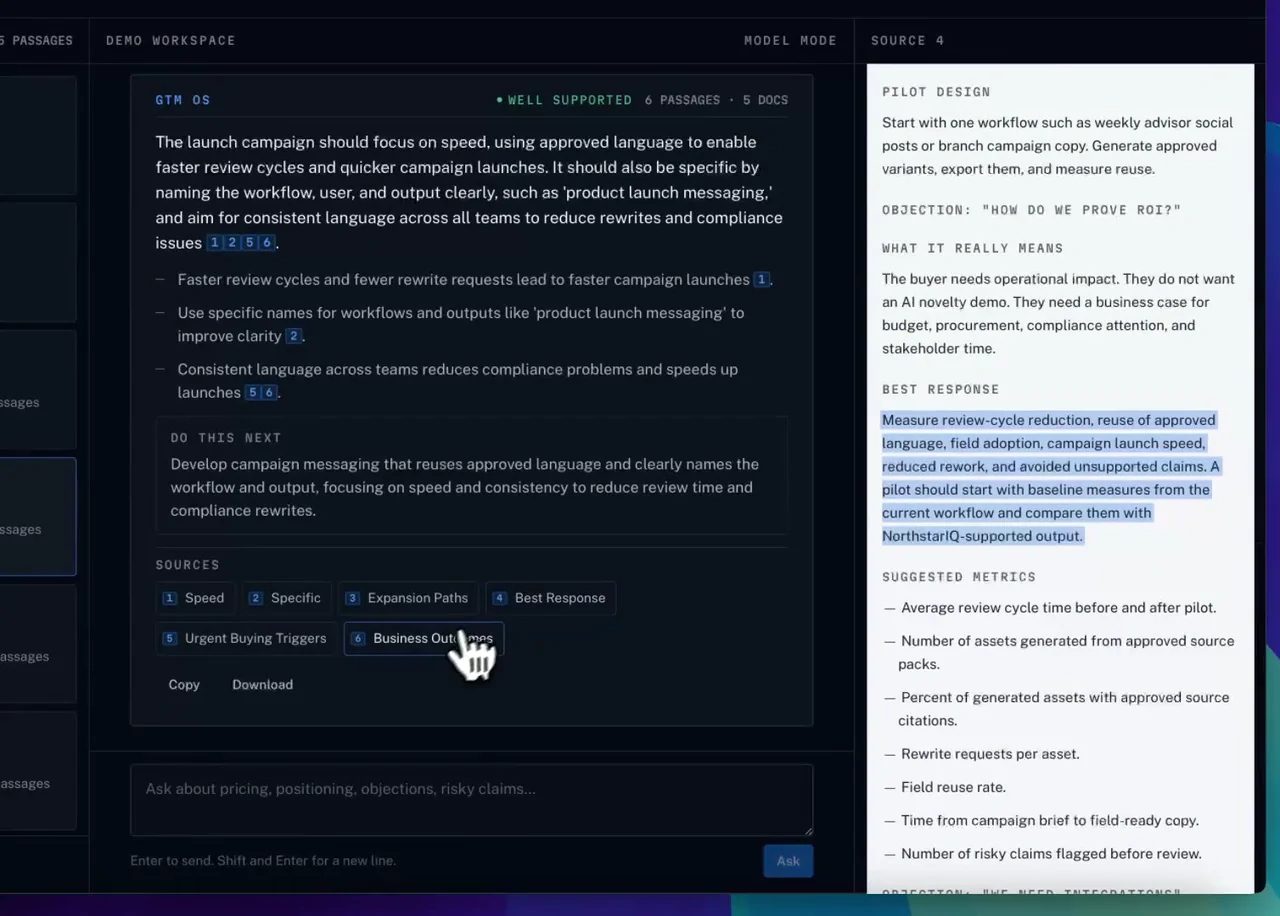
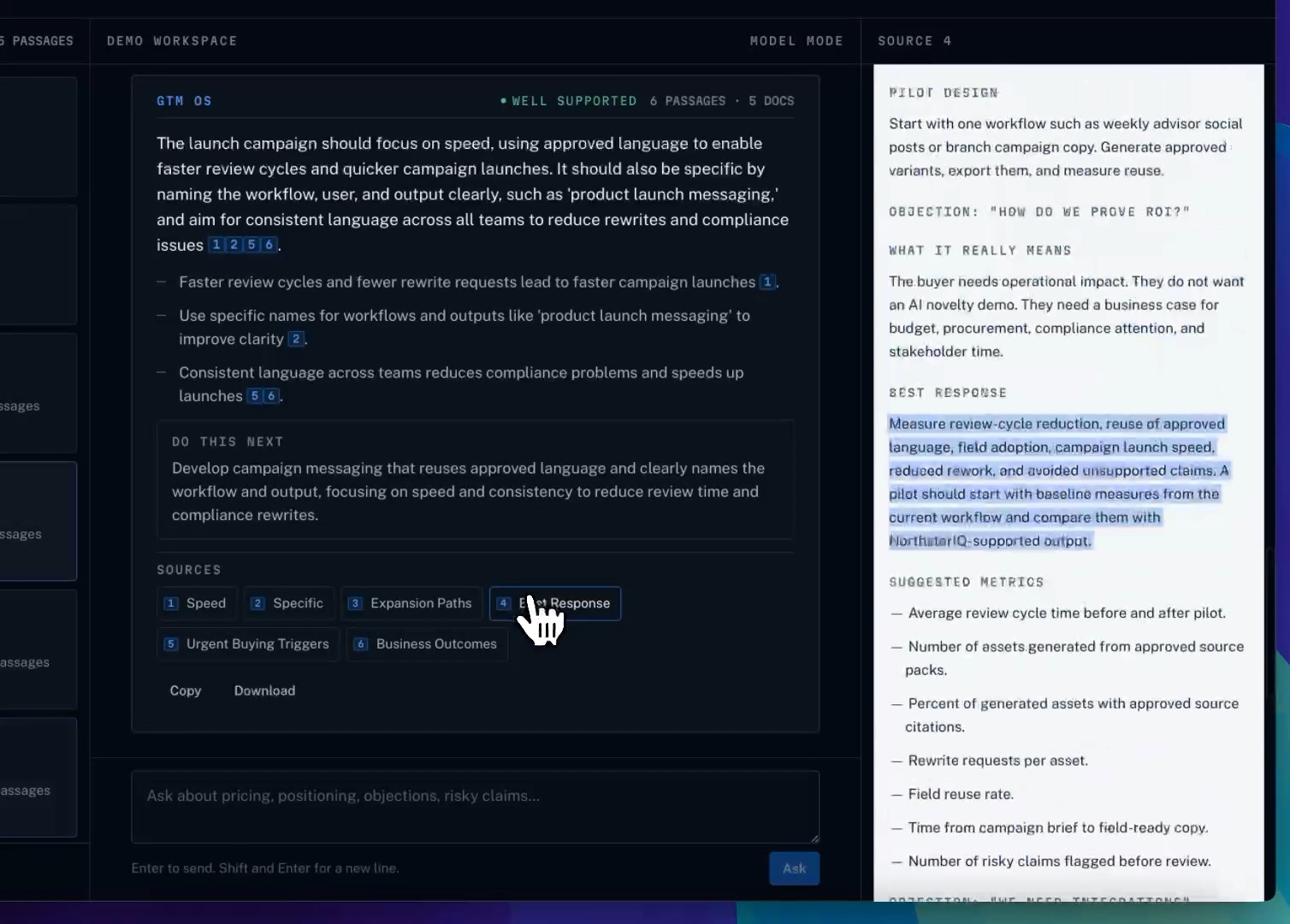
In our GTM OS research tool, you can open the exact passage behind an answer and check it yourself.
Example quote comparison
Packaging suppliers
Supplier A
Includes delivery and lists a lead time.
Supplier B
Lists delivery separately and leaves timing open.
Question to ask
Ask Supplier B for the price with delivery and an expected arrival date.
How this works
What you start with
You need to buy something or review a supplier shortlist.
What happens next
Make a checklist of what the buyer needs so each supplier gets the same review.
Read the supplier documents you’ve shared and record which quote or product sheet each detail came from, along with its date.
Put measurements in the same units. Mark any assumptions and blanks so readers can see which details the supplier gave.
Compare each option with the checklist. Point out where the quotes differ or a detail conflicts.
Suggest an option with links to the documents and a short list of questions for suppliers.
What you get
A side-by-side comparison with the buyer’s checklist, links to the quotes and questions to ask.
What a person checks
The buyer checks open questions, chooses the supplier and approves spending and contract terms.
What we can help with
Open any service to see when it helps, what it looks like, and what you could get.
01Research & monitoringFind relevant changes and prepare a brief with sources.
When it helps
If your team keeps checking the same markets, competitors, or communities, we can set up an agent to collect relevant updates and explain what deserves a closer look. You choose the sources, dates, and questions it should work from.
What it can look like
A product team wants to know what changed in its market this month. The agent groups relevant updates, links to the original sources, and flags gaps so a person can check the brief before sharing it.
A source list and rules for which updates to include
A brief with dates, links, and points to verify
A review step before the brief goes to the team
SignalScope showing a market research brief and links to its sources.
02Inquiries & supportTurn an incoming question into a reply or a handoff.
When it helps
When requests arrive through forms and inboxes, an agent can match them to an existing contact, find an approved answer, and prepare a response. It can send unusual requests to the right person with the details already collected.
What it can look like
A new service inquiry comes in without a location or date. The agent identifies the missing details, drafts a follow-up, and prepares a booking request for the team once the information is complete.
An inquiry brief with customer details and the next action
Reply drafts based on approved answers
Rules for who handles exceptions, pricing, and commitments
GTM OS showing an answer beside the company source a person can check.
03Repeat admin tasksTurn scattered updates into work someone can review.
When it helps
We can build an agent to read incoming files, pull out the details you need, and prepare records or updates in the tools your team uses. It can flag gaps or conflicting information before a person approves what gets saved or sent.
What it can look like
After a project meeting, the agent compares the notes with the current project record. It prepares an update with the agreed decisions, next actions, and files to share. A team member checks it before it goes out.